Record Workouts, RPE, Condition, Notes, and Video Together in traqqer
Updated July 15, 2026
By the traqqer Editorial Team
The depth of a later review depends on what you record today. A traqqer activity can keep the workout, effort, condition, notes, and media together.
What One Activity Can Contain
- Workout menus and details
- RPE, or how hard the session felt
- Training duration
- Daily condition score
- Training notes
- Video and photos
A time or workout name alone rarely explains why a session went well or poorly. Effort, condition, and notes add the context needed to interpret the result.
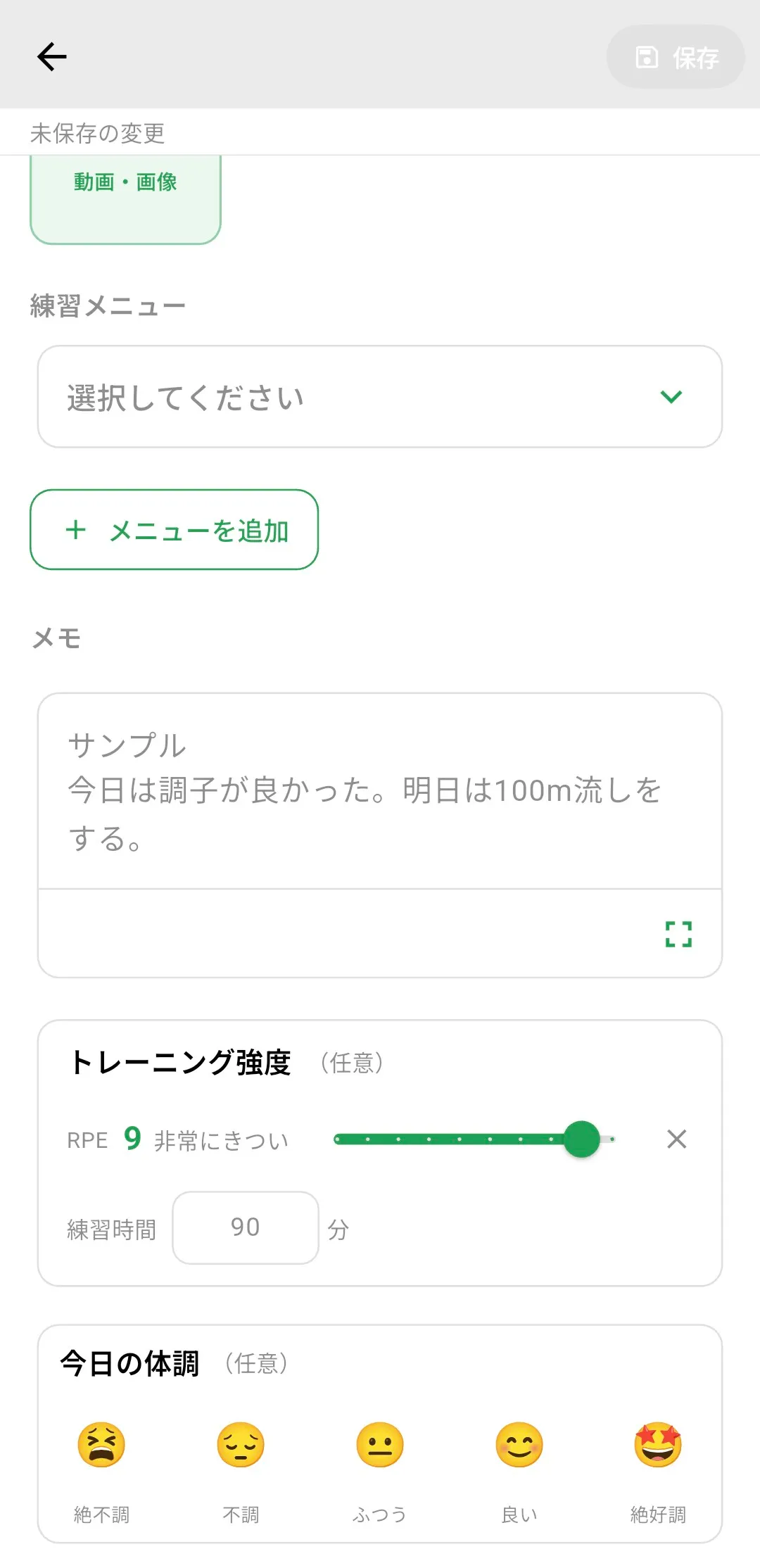
Save Effort and Condition as Numbers
RPE records how difficult the session felt. The same menu can affect the body differently from one day to another, so a repeated score helps expose periods of accumulated fatigue. See how to interpret RPE. A condition score adds another view of daily readiness.
Attach Video to the Session
Video and photos can be attached directly to an activity, and traqqer creates a thumbnail for video. Keeping form footage beside the workout and condition record makes it easier to understand the context later. The same clip can also be used for AI Video Analysis.
Reuse a Saved Menu
Instead of rebuilding a workout every time, select a saved workout template and enter only the session-specific details.
Records Support Review
The record is useful because it supports later decisions. A complete activity provides more context in the calendar and in workload statistics. Begin with one entry today, even if it contains only the workout and condition.
Start Your Journey with traqqer
traqqer is an AI-powered app that helps you build better habits.
Download now and transform your daily routines for a better life.
