Introducing the AI Motion Analysis Feature: Markerless Motion Capture Using Only Your Smartphone
Updated July 15, 2026
By the traqqer Editorial Team
AI Motion Analysis is a feature that analyzes videos to perform pose analysis of movements. With traqqer, you can understand joint angles and compare two videos side by side.
What You Can Do with AI Motion Analysis
traqqer estimates a skeletal pose from an ordinary smartphone video, lets you inspect highlighted joints, and supports synchronized side-by-side comparison. No body markers are required. Because the pose is an estimate, use stable, well-lit recordings and keep the camera conditions consistent when comparing sessions.
Basic Analysis Operations
Let’s explain the basic operations of AI Motion Analysis. You can check the analysis results in the following 4 steps:
- Enter the AI Motion Analysis screen
- Select a video and start analysis
- Wait for completion
- After completion, check the results
First, open the analysis list screen from AI Motion Analysis on the home screen. Then press the button in the upper right corner. When you press the button, the video selection screen will open.
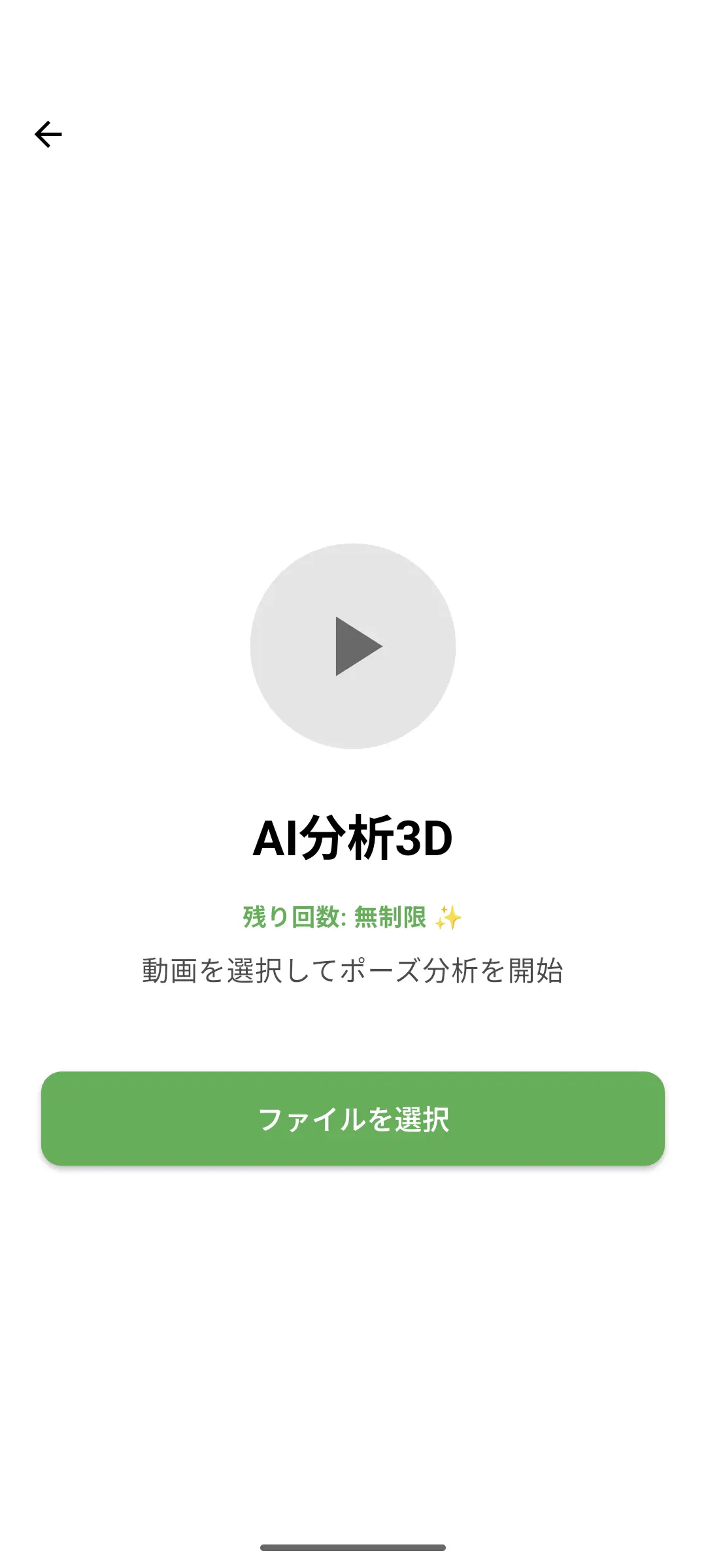
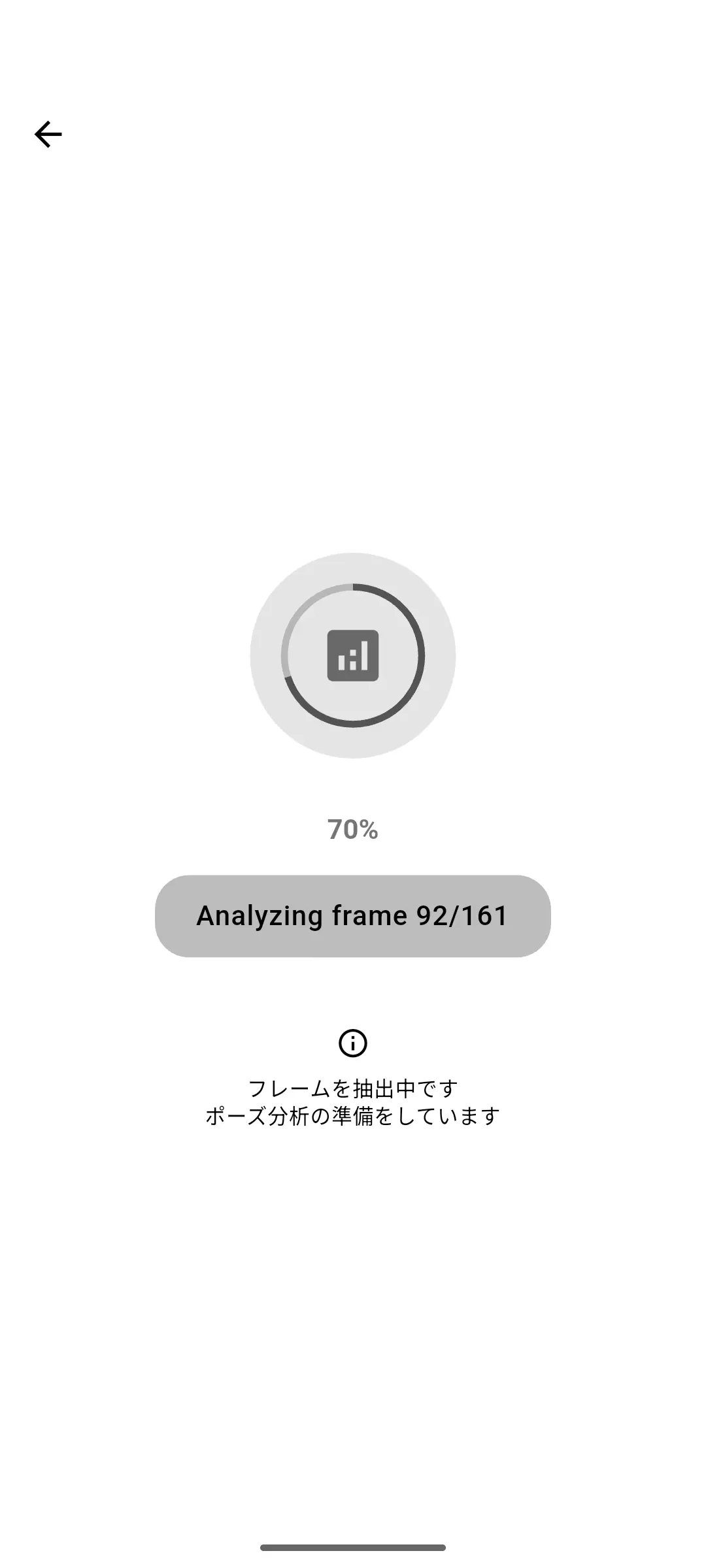
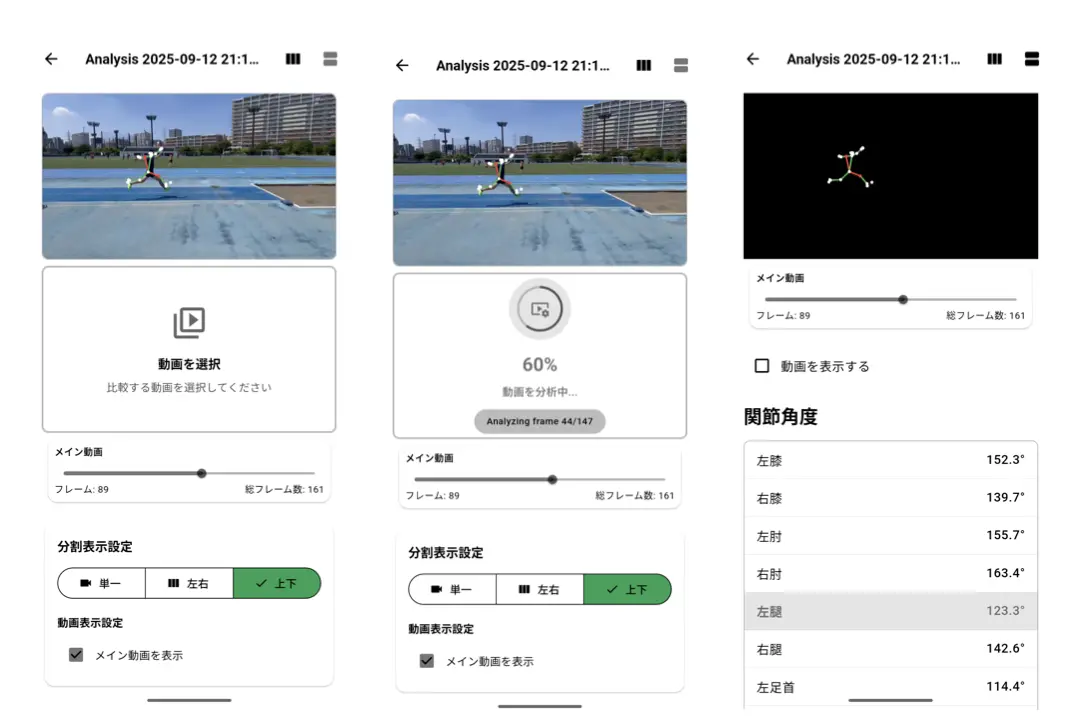
When you select a video, analysis begins. During analysis, a loading screen is displayed like this.
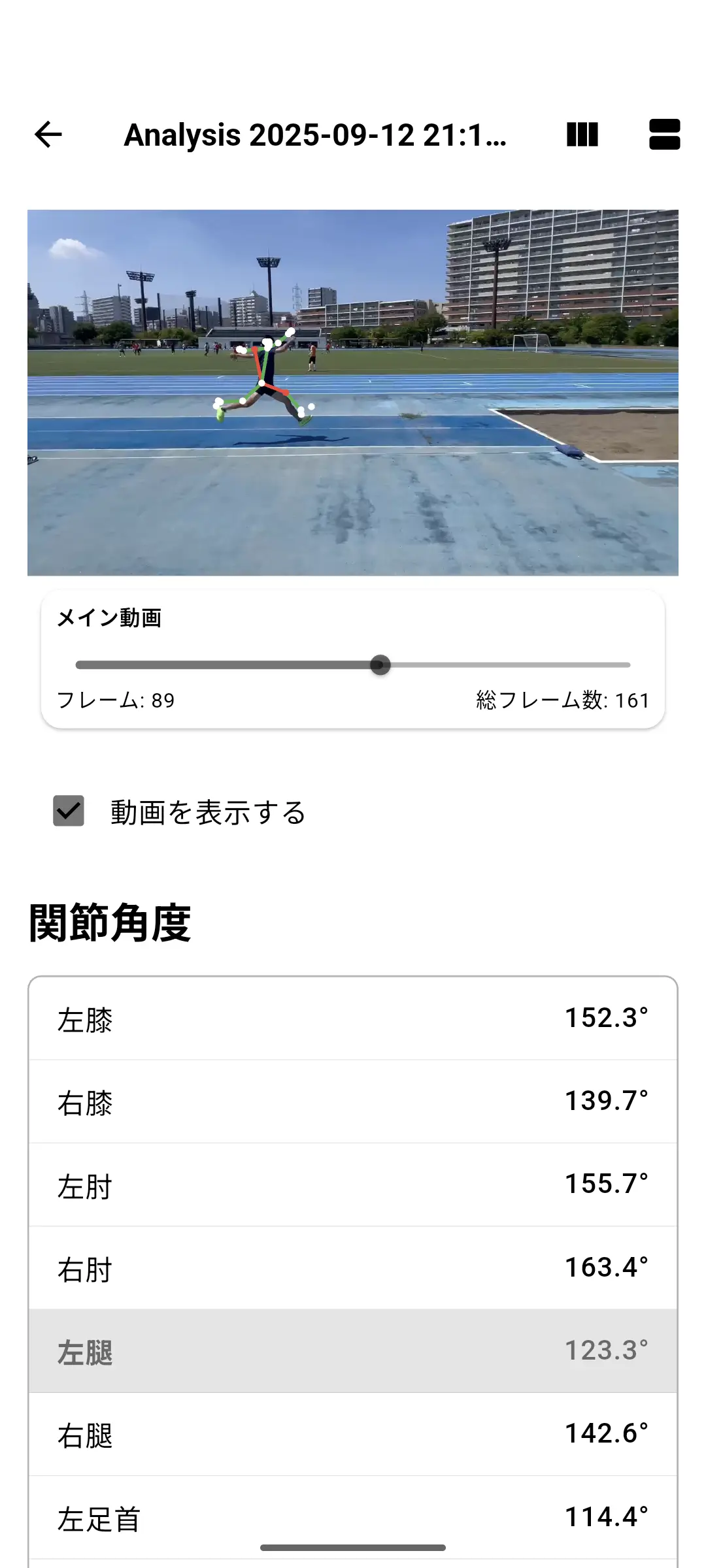
When completed, the analysis result screen is displayed. If you move the bar, both the video and the motion mapped on top of it will move together. Also, when you select a joint, the selected part will be highlighted in red.
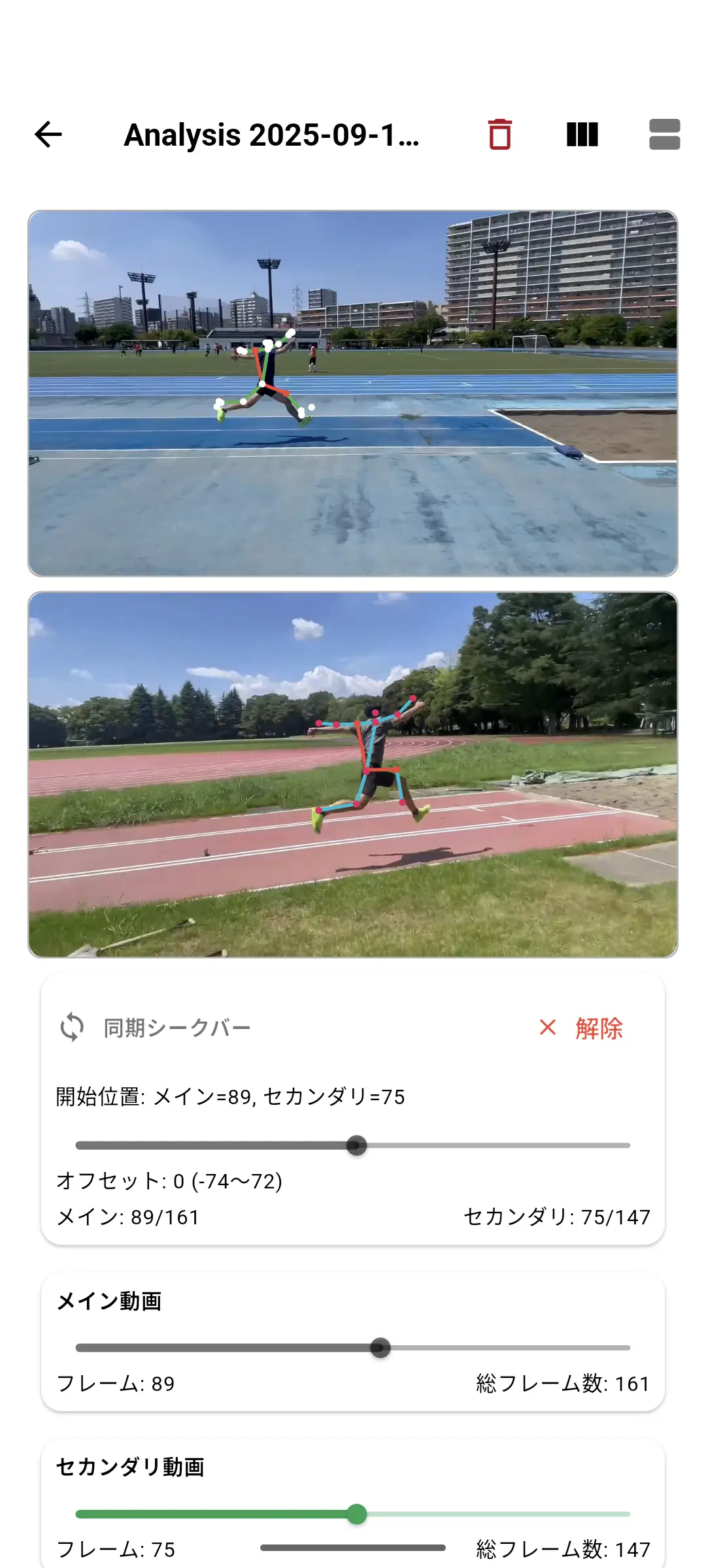
When you press the split button in the upper right, you can move multiple videos simultaneously. Select the video you want to move, analyze it, and press “Set Start Position” when you want to synchronize them. Of course, you can also move each video separately.
*Email registration is required to use the AI Motion Analysis feature
**Premium registration is required to use the split screen
Videos Suitable for Analysis
Depending on the content of the video, analysis may not work well even if the athlete is visible. We’ll explain what kind of videos are suitable for analysis using good and bad examples.
✅ Good Examples
- Subject is at a sufficiently close distance
- Few people around
- Subject is kept in center focus
❌ Bad Examples
- Subject is too far away
- Many people around
- Video is blurry
Summary
By using AI Motion Analysis, your movements become simple and easy to understand. Also, by using video comparison, you can compare with your past good movements or other athletes’ movements.
If you’re interested, download traqqer and try the AI Motion Analysis feature. See how AI 3D pose analysis works and how to analyze sprint form by phase for practical examples.
Frequently Asked Questions
Do I need markers or motion-capture equipment?
No. traqqer uses markerless analysis from smartphone video. Clear footage with the whole body visible gives the system better input.
How should I compare two videos?
Match the camera angle, distance, movement phase, and playback start point. Change one technique cue at a time so the difference is easier to interpret.
Can estimated joint angles replace laboratory measurement?
No. Smartphone pose estimation is useful for accessible visual feedback, but it should not be treated as equivalent to a calibrated laboratory system or a medical assessment.
Start Your Journey with traqqer
traqqer is an AI-powered app that helps you build better habits.
Download now and transform your daily routines for a better life.
