How to Analyze Sprint Form from the Start to Maximum Velocity
Updated July 15, 2026
By the traqqer Editorial Team
Sprint-form analysis can become more confusing the longer you watch. The usual problem is treating the sprint as one movement. The start, acceleration, and maximum-velocity phases each demand something different, so separating the phases immediately makes analysis more precise.
Quick Answer: How Do You Analyze Sprint Form?
Analyze sprint form one phase and one question at a time. Record a clear side view, separate the start, acceleration, transition, and maximum-velocity phases, then compare the same phase across two similar runs. The goal is to find one observable change that can be tested in the next session.
| Sprint phase | Useful checkpoints | Example analysis question |
|---|---|---|
| Block start | Set position, projection, first contact | Does the first step land in a position that supports acceleration? |
| Acceleration | Progressive rise, foot placement, rhythm | Am I becoming upright too early? |
| Transition | Smooth change in posture and step pattern | Does tension interrupt the transition? |
| Maximum velocity | Tall posture, rhythm, front-side action | What changes when I begin to slow down? |
Begin with the start. Check the torso angle after the reaction and the landing position of the first few steps. During acceleration, check whether the pelvis stays high and whether the foot reaches too far ahead of the body. At maximum velocity, look for extra vertical movement caused by tension, left-right differences, and late-race loss of rhythm.
Use these phase-specific checkpoints:
- Start: torso angle, foot placement on steps 1–3, and initial arm action
- Acceleration: pelvic height, overstriding, and vertical movement caused by tension
- Maximum velocity: rhythm, asymmetry, and how form breaks down late
In traqqer’s AI Video Analysis, be specific in the field that asks what you want the system to examine. For example: “Am I becoming upright too early on the third step?” or “Why does my arm action get smaller late in the sprint?” A precise question is more likely to produce advice you can use in the next session.

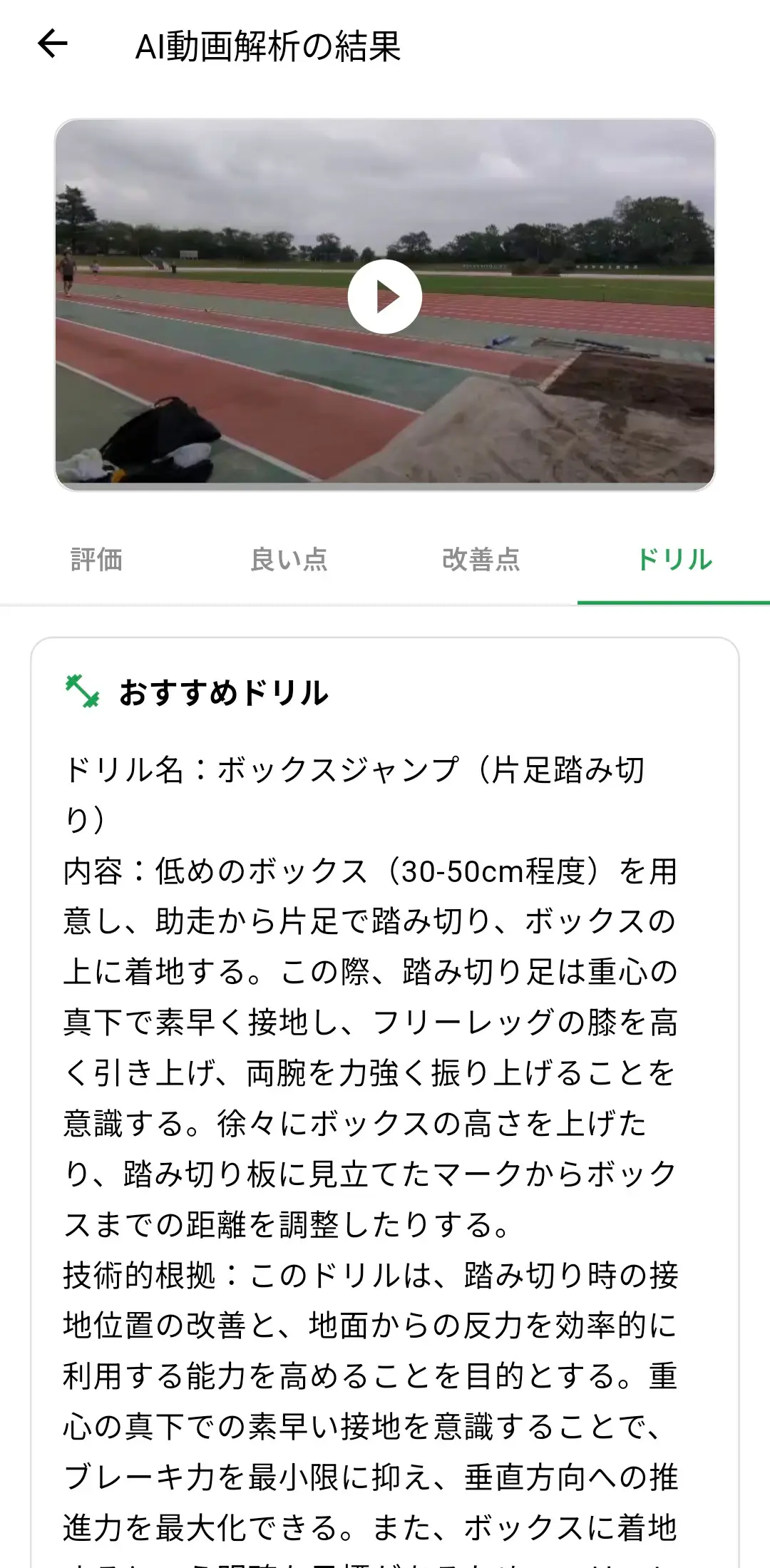
Recording quality also matters. A distant athlete or a subject who leaves the frame cannot be compared reliably. Keep the camera angle, distance, and lighting consistent. Most importantly, work on one issue at a time. If you change several things together, you cannot tell which correction produced the result.
Use this sequence:
- Choose one question before the analysis
- Select one improvement point from the result
- Record again under the same conditions and compare only that change
What the Research Suggests
A trail-running injury review found that more than 70% of musculoskeletal injuries were related to overuse and that impact measures increased by 6–11% during fatigued running. Although trail running and sprinting are different events, both require attention to how movement control changes under fatigue. For sprinters, this supports recording and comparing the later phase rather than reviewing only the first few steps.
Source
Summary
Separate the sprint into phases, keep the comparison conditions stable, and correct one issue at a time. A fixed analysis framework is more useful than simply watching more video.
Frequently Asked Questions
Can AI analyze sprint form?
AI sprint-form analysis can help organize observations from a video and draw attention to specific phases. Its value depends on video quality and the question you ask, so use the result as feedback to test—not as an automatic verdict on ideal technique.
What frame rate should I use to film a sprint?
Use the highest reliable frame rate your phone provides in good light while keeping enough resolution to see the full body. A stable 60 fps clip is often more useful than a darker or poorly framed slow-motion clip.
Should I analyze every part of a sprint at once?
No. Choose the phase most connected to your current training goal. Changing several technical elements at once makes it harder to identify what improved the result.
Start Your Journey with traqqer
traqqer is an AI-powered app that helps you build better habits.
Download now and transform your daily routines for a better life.
